GTA 6 Setup Guide for PS5 and Xbox: Checklist
GTA 6 launches on November 19, 2026 for PS5 and Xbox Series X|S. No PC version has been announced. Digital buyers can preload from November 12. The physical edition is a box with a download code, not a disc.
Rockstar has not published an official install size yet. This checklist works whatever the final number is.
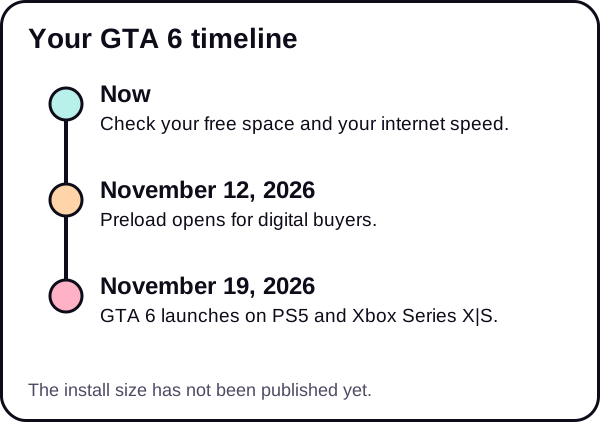
Your GTA 6 setup checklist
- Check how much free storage you have. Know your number before anything else. See how to check free storage on any PS5 or Xbox.
- Make room. Clear space on PS5 or Xbox Series X|S. Plan for more than you think.
- Know the preload date. Read about the preload start date and download time.
- Estimate your download time. Use the download time calculator with your speed.
- Speed up your connection. Try these PS5 download speed fixes.
- Check your TV settings. Look at the TV & display guides.
- Check controllers and audio. Charge and pair everything. See controllers & audio.
We update this page when Rockstar confirms the file size.